In this article
Explain why a calendar-day sales total can differ from a batch total, then check the boundary with a small example.
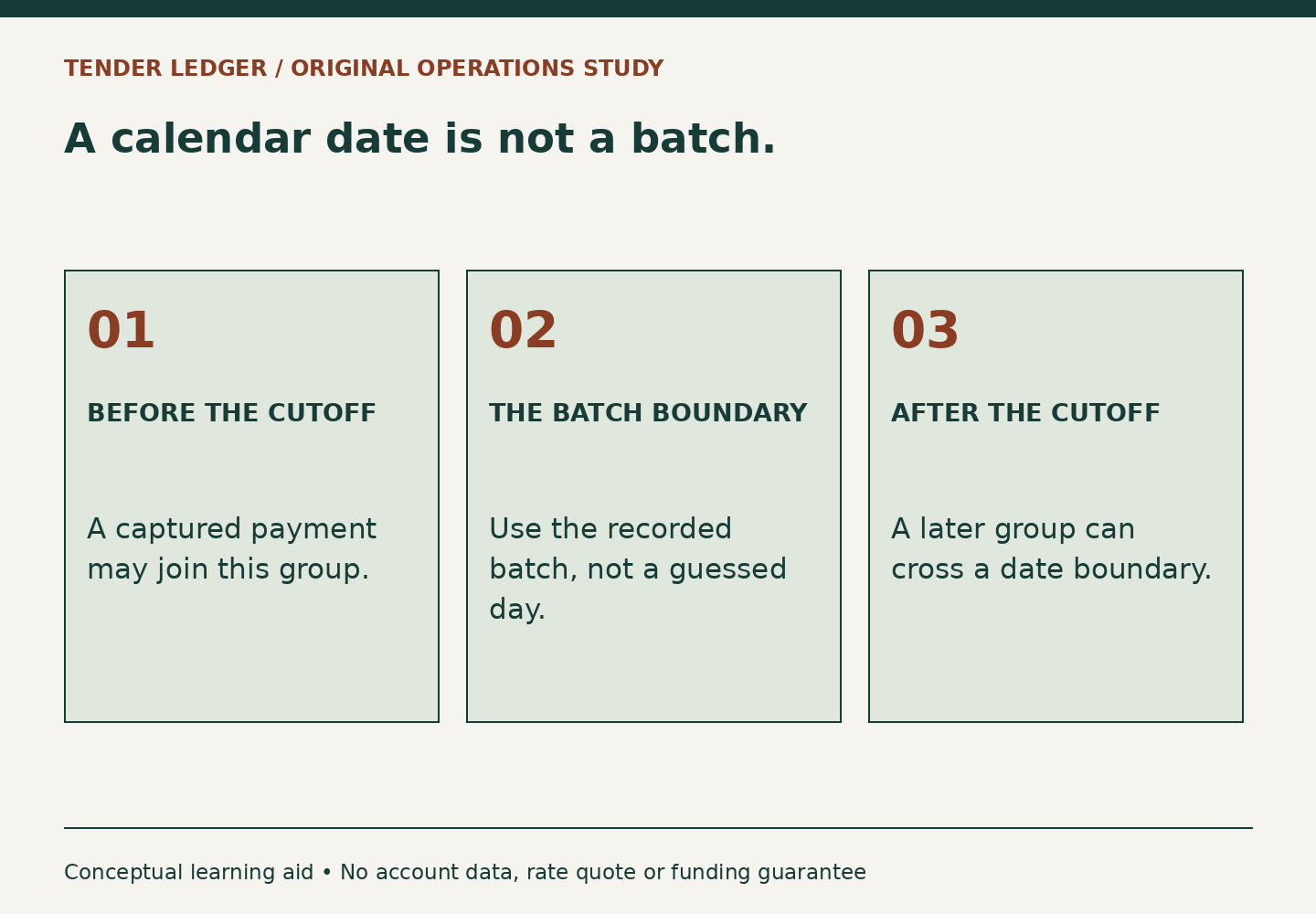
“Tuesday’s sales” sounds unambiguous until a store closes at 9 p.m. and its payment batch closes earlier. The trading day, the timestamp on a transaction, the batch close and the bank posting date answer different questions. Matching totals before matching those boundaries can turn an ordinary timing difference into hours of unnecessary investigation.
Start with the actual close setting
Helcim groups transactions into batches and supports automatic or manual card-batch settlement. Its public guide describes a default card close time in the account’s time zone, but an individual merchant may have changed that setting. Read the current account configuration rather than assuming the public default applies. The batch and settlement guide supplies the product context; the exercise below supplies an original method for checking boundaries.
Write down the reporting interval before exporting anything. Include its start, end and time zone, and specify whether you are grouping by sale time or settled batch. Then name the purpose. A cashier’s shift review may reasonably use sale time. Matching a processor deposit usually requires its associated batch information. Neither total becomes wrong simply because it was built for a different purpose.
Try an evening-close example
A fictional shop processes $940 before its configured 5 p.m. close on Tuesday and another $260 after that close. Its calendar-day sales total is $1,200. For this simplified example, the $940 is in batch T-31 and the $260 begins the next batch. Wednesday contributes $810 before the next close, making that next batch $1,070. There are no refunds, fees or other adjustments in this first exercise.
The Tuesday calendar report and batch T-31 differ by $260. That difference is not proof of a lost payment. The test is whether the $260 transactions appear once in the next batch. Trace their identifiers. If they do, the mismatch has an explanation. If they do not, the boundary hypothesis failed and the investigation should continue rather than forcing the numbers to fit.
Now add a Tuesday refund of $40 from an older sale. A report that counts only new sales can still show $1,200, while a batch containing the refund has a lower net amount. Keep transaction membership and adjustment types separate. Otherwise, the reviewer may explain the entire difference as timing even though part of it is a genuine reversal.
Make exports reproducible
Helcim’s CSV export guide lists filters including date range, status, currency, terminal, user and miscellaneous tenders. It currently documents a 6,000-transaction export limit. For a real reconciliation, record those choices beside the file so a colleague can reproduce the population. If a range must be split, verify that adjacent exports have neither a gap nor an overlapping boundary.
- Count distinct transaction identifiers as well as dollar totals.
- Keep currencies separate; a matching number does not make unlike currencies comparable.
- Mark refunds and reversals distinctly from new sales.
- Check late transactions on both sides of the close.
- Retain the original export and make analysis in a separate working copy.
Know what a clean explanation looks like
The invented shop can close its question with: “The $260 difference consists of these four after-close transactions, all present in batch T-32.” That is stronger than “settlement is delayed,” which does not identify what happened. A good explanation names the amount, the records and the destination. If a transaction is still unlocated, keep it on an exception list with an owner and a next check instead of labeling the whole day reconciled.