In this article
Follow one payment through separate records so an approved hold does not become an assumed deposit.
A customer sees a pending amount, an employee remembers an approval, and the bank account shows nothing. Those observations can coexist without a processing failure. They concern different moments in a payment. A useful investigation follows the original transaction rather than treating every screen as a different version of the same balance.
Give each observation a precise meaning
Helcim distinguishes an uncaptured pre-authorization from a captured transaction. Its capture guide describes completing an existing hold for the full amount or a partial amount. That is a separate operation from merely obtaining the authorization. A transaction status is also different from evidence that a deposit has posted at the merchant’s bank. Start with the definitions in Helcim’s transaction-history guide and capture instructions.
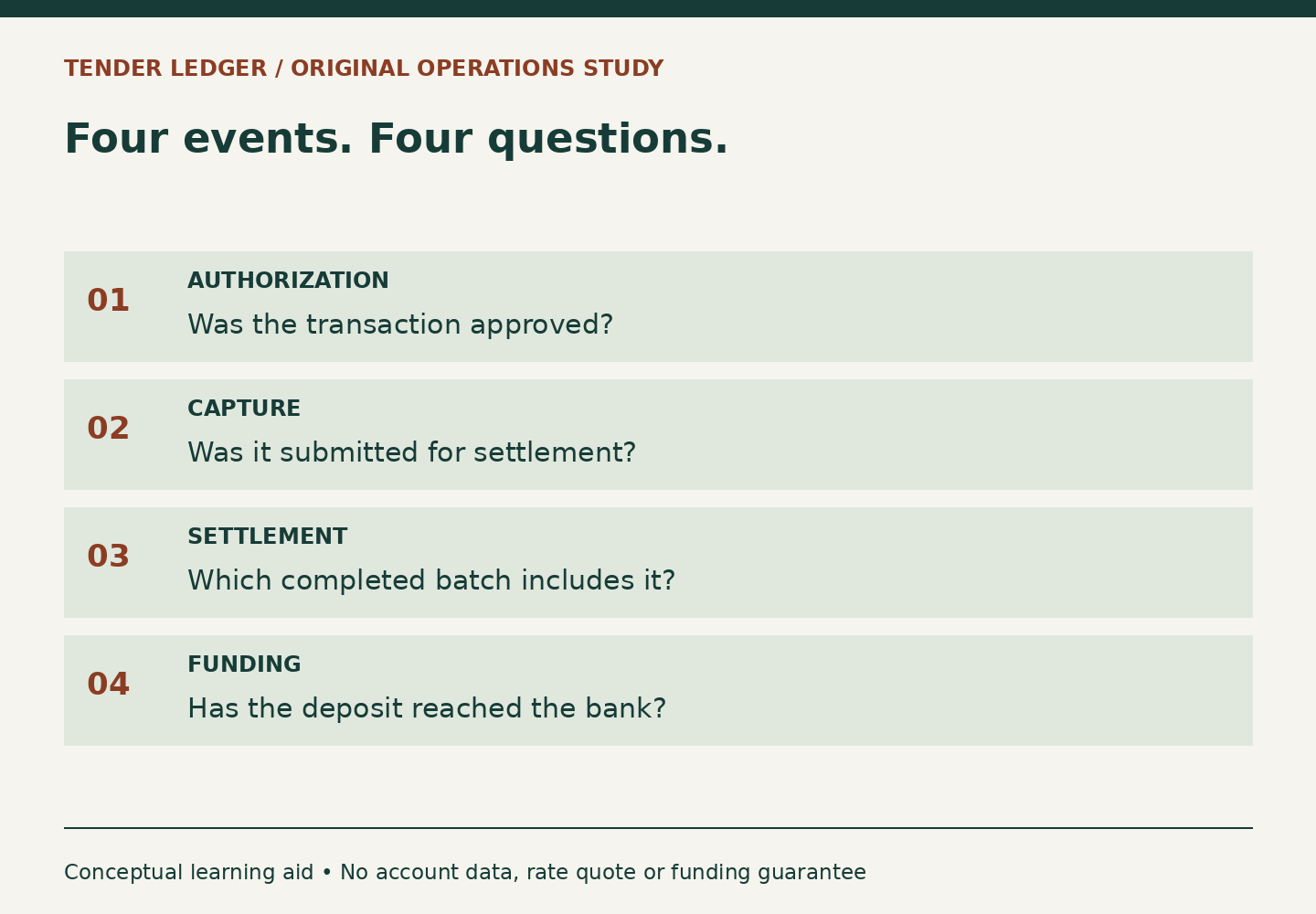
For an operational worksheet, use four questions: Which transaction did the customer authorize? What amount was actually captured? Which batch contains the completed payment? Which deposit record accounts for that batch? Add the identifier and observed time next to each answer. Leave an answer blank when it is unknown. An empty box is more useful than an unsupported “paid” label that hides a missing step.
Work a two-amount example
Suppose a fictional repair shop places an authorized hold for $180 while it checks a small appliance. The agreed final bill is $145. The original hold and the final charge are different amounts, but they can belong to one payment story. Before acting, the employee verifies the original transaction, the customer’s agreement and the amount due, then checks the available capture action in the merchant’s authorized system.
The shop’s review sheet records “authorized amount: $180” and “captured amount: $145.” It does not add them into $325 of sales. Nor does it create a second $145 sale merely because the hold is still visible to the customer. If the record shows an expired or voided authorization, the employee stops treating it as available for capture and follows the current processor workflow for a newly authorized payment.
After the capture, the reviewer confirms the resulting transaction identifier and its relationship to the original authorization. A success message is a useful immediate observation; the saved payment record is what lets the next employee reconstruct the event. The reviewer then tracks the batch and deposit separately. None of those checks promises when a customer’s issuer will remove a pending display.
Build a stop-before-retry habit
- Search for the original payment using its reference, amount and time before starting another attempt.
- Distinguish a failed screen refresh from a recorded payment failure.
- Check whether another employee already completed or reversed the transaction.
- Escalate an unclear state with the transaction identifier and exact observed status, rather than guessing from the customer’s banking app.
Consider a second fictional case: a $92 capture confirmation disappears when a laptop disconnects. The correct learning task is to locate the saved transaction and establish its state. Clicking a new charge button is not a diagnostic test. The missing browser response tells you about the browser; it does not by itself tell you what the payment system accepted.
Close the record at the right level
A well-written handoff might say: “The original $180 authorization has a recorded $145 capture. The completed transaction is in batch B-104. Bank posting has not yet been matched.” These invented references contain no customer details. The wording makes progress visible without promoting an intermediate status into a funding promise. Use real identifiers only in your approved business systems, never in this publication’s examples or tools.